Android Auto and Android Automotive OS Open Their Dashboards to Games as the Beta Program Graduates to General Availability

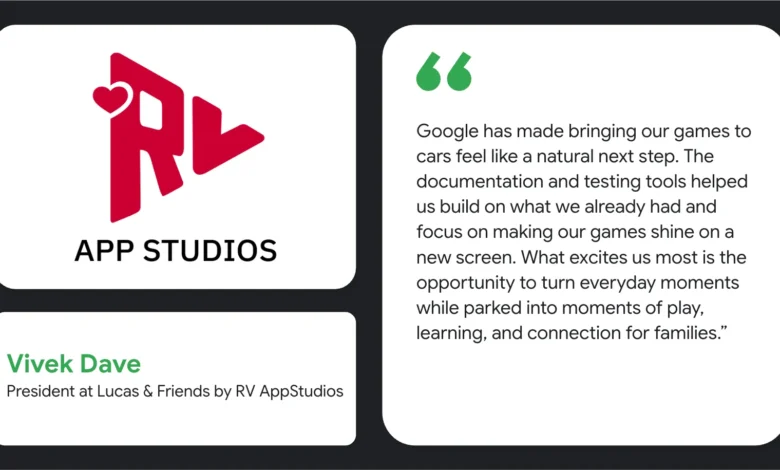
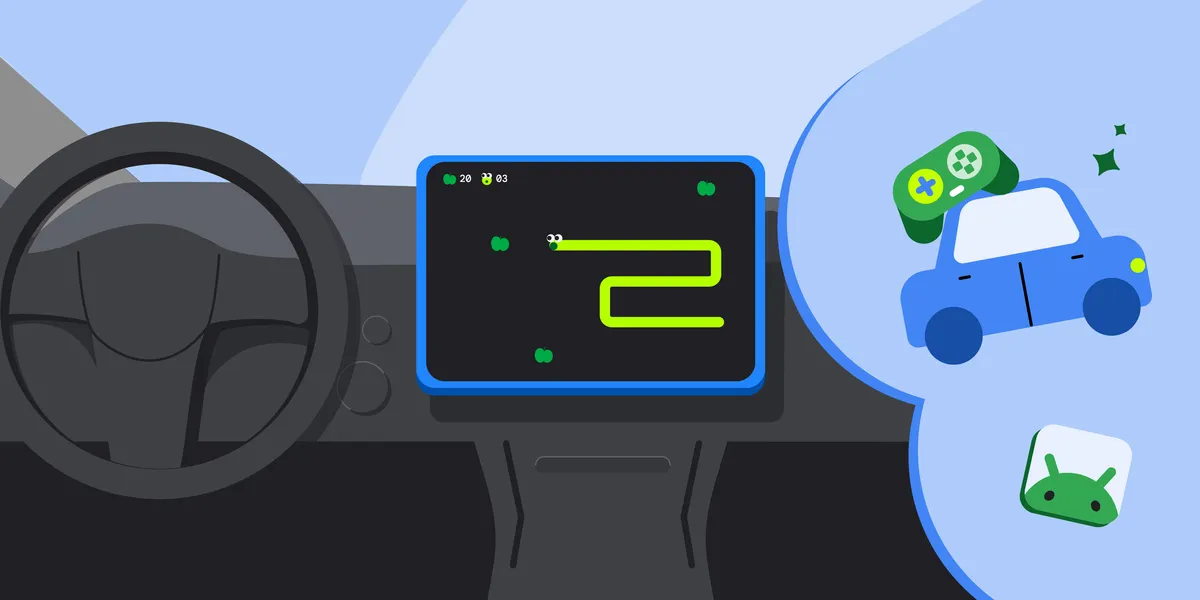
The landscape of in-car digital entertainment underwent a significant transformation today as Google officially announced the general availability of the games category for Android Auto and cars powered by Android Automotive OS with Google built-in. Following an extensive and successful early access beta phase that allowed select development partners to bring interactive experiences to the dashboard, Google is now opening the floodgates. Developers worldwide can officially publish their games to open testing and production tracks on the Google Play Store, capitalizing on a largely untapped segment of the consumer’s day: natural moments of vehicular downtime.
Whether a driver is waiting at an electric vehicle charging station, parked while picking up a curbside order, or resting during a long journey, the modern vehicle cabin is increasingly viewed by technology companies and automakers alike as a new frontier for digital engagement. Today’s milestone signals that in-car gaming is moving from a speculative novelty to a formalized, standardized app ecosystem supported by robust developer tools and strict safety compliance frameworks.
The Evolution of In-Car Infotainment and the Path to General Availability
The integration of Android into the automotive space has accelerated rapidly over the past half-decade. Initially designed primarily for smartphone projection via Android Auto, the platform evolved with the introduction of Android Automotive OS (AAOS), an embedded operating system that runs directly on the vehicle’s hardware. As car manufacturers increasingly adopt AAOS to power their native infotainment systems—ranging from General Motors and Ford to Volvo and Polestar—the demand for rich, immersive third-party software has surged.
Throughout the beta phase, Google collaborated closely with early access partners to test the viability of gaming on dashboard displays. These preliminary efforts allowed developers to understand the unique constraints and capabilities of automotive hardware. By transitioning the games category to general availability, Google is providing a clear pathway for independent developers and major studios alike to scale their applications across millions of compatible vehicles. Users can now explore these early software offerings through dedicated collections available on the Google Play Store for both Android Auto and Android Automotive OS.
Technical Requirements and Manifest Configuration for Developers
Adapting an existing Android game for the automotive environment requires careful adherence to specific architectural and configuration guidelines established by Google. While developers who already build adaptive applications will find the transition relatively smooth, several critical modifications must be made within the application manifest to ensure compliance and proper distribution.
To begin with, developers must explicitly declare their application’s category by adding the android:appCategory="game" attribute to the application element within their manifest file. This ensures the application is correctly indexed and categorized within the Google Play Store for automotive devices.
For Android Auto—which is supported on devices running Android 15 and higher—developers must include a specific intent filter category. By adding the android.intent.category.CAR_LAUNCHER category element to an activity’s intent filter, the application informs the system that it is equipped to run on the projected car display. Typically, this is paired with the standard mobile launcher category, though developers retain the flexibility to target a separate activity specifically designed for the vehicle interface.
For Android Automotive OS, developers must declare hardware support by including the android.hardware.type.automotive uses-feature element in their manifest. The configuration of this element depends heavily on the chosen distribution track. If the application is distributed via the traditional mobile track, the android:required attribute must be explicitly set to "false." Conversely, if the developer opts for a dedicated Android Automotive OS track, the attribute can be set to "true," "false," or left unset. Leaving the value unset defaults to "true," restricting the application’s distribution exclusively to native Android Automotive OS hardware.
Prioritizing Safety: Managing the Parked State and UX Restrictions
Perhaps the most critical aspect of developing software for the automotive environment is maintaining uncompromising standards for driver safety. Vehicles present a unique physical context defined by distinct driving and parked states. To prevent catastrophic driver distraction, regulatory frameworks and platform policies strictly prohibit certain classes of applications—most notably games and video streaming services—from operating while the vehicle is in motion.
Android Auto and Android Automotive OS enforce these safety protocols automatically. By default, the operating system blocks activities from launching or functioning when the vehicle is moving or when user experience (UX) restrictions are active. To comply with these foundational guidelines, developers are explicitly instructed not to include the distractionOptimized metadata element within any activity in their app manifest. Furthermore, applications must be engineered to immediately halt all game audio the moment the vehicle begins moving, and this audio must remain muted and un-un-pausable until the vehicle returns to a fully parked state.
In addition to safety lockouts, user experience continuity is paramount. When a user relaunches a parked app from the home screen, the game must intelligently restore its previous state as closely as possible. Google’s quality guidelines stipulate that games must maintain high responsiveness, avoiding freezing or stuttering during gameplay sessions on varying hardware specifications.
Hardware Inputs and Display Adaptability
Automotive cockpits vary wildly in their physical layout, screen dimensions, and aspect ratios. Modern vehicle displays range from traditional portrait touchscreens to sprawling, ultra-wide landscape panels. To deliver a polished user experience, games must be built as fully adaptive applications capable of scaling seamlessly to fill the display without intrusive letterboxing or pillarboxing. Developers targeting Android Auto are encouraged to test their user interfaces against canonical screen sizes, while those working with Android Automotive OS utilize bundled hardware profiles within the official emulator environment.
Beyond touch inputs, many consumers prefer a tactile gaming experience, particularly when utilizing stationary dashboard displays. Car screens inherently support touch input, but Google has built robust support for connected gamepads. Developers whose titles support physical controllers are advised to declare the android.hardware.gamepad feature in their manifest with the required attribute set to "false." This optional declaration enhances application visibility in the Google Play Store for users actively searching for controller-compatible in-car entertainment. Developers should only set this attribute to "true" if a physical gamepad is an absolute operational requirement for the game.
Testing Procedures and the Publishing Workflow
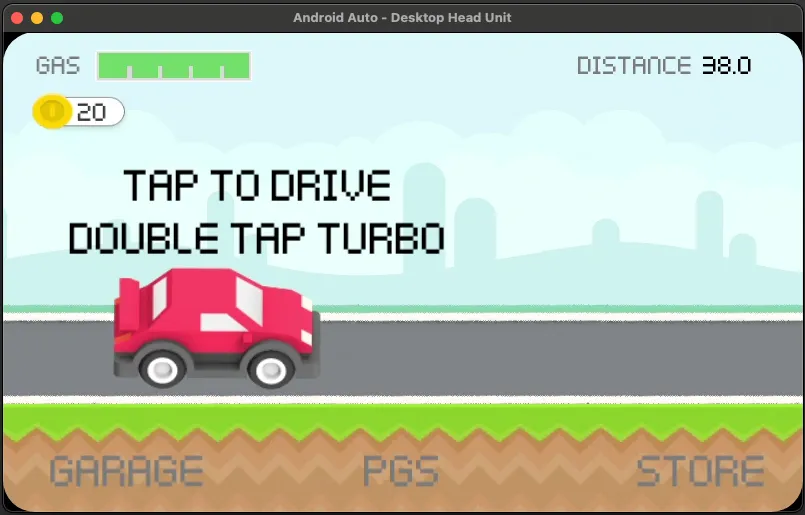
Before any game can reach the production track, it must undergo rigorous validation using specialized tooling provided by Google. Developers can leverage the Desktop Head Unit (DHU) to test Android Auto compatibility and performance, while the Android Automotive OS emulator serves as the primary sandbox for native embedded applications.
Once testing is complete, developers can opt in to the Android Auto and Android Automotive OS form factors directly through the Google Play Console. However, submission alone does not guarantee availability. Every title submitted to the games category must pass a rigorous manual and automated review process evaluated against comprehensive car app quality guidelines for games. This vetting ensures that only stable, secure, and strictly safety-compliant titles make their way onto consumer dashboards.
Broader Industry Implications and Future Outlook
The commercialization of in-car gaming arrives at a pivotal moment for the automotive and technology sectors. As autonomous driving technologies slowly advance and electric vehicles require stationary charging intervals lasting anywhere from 15 to 45 minutes, automakers are actively seeking ways to monetize and enrich the in-cabin experience. Infotainment systems are rapidly becoming primary differentiators for vehicle buyers, often ranking alongside horsepower, fuel efficiency, and interior comfort.
By standardizing the development and distribution of games through the familiar Google Play ecosystem, Google is lowering the barrier to entry for content creators while establishing a trusted marketplace for consumers. Industry analysts suggest that as connected vehicle infrastructure matures, the automotive dashboard will evolve into a vital tertiary screen alongside smartphones and living room televisions. With today’s general availability launch, the foundation for that future has officially been laid, inviting developers worldwide to get their games on the road.