Googlebook Expands the Android Ecosystem with a New Category of High-Performance Laptops Built on Unified Software Foundations

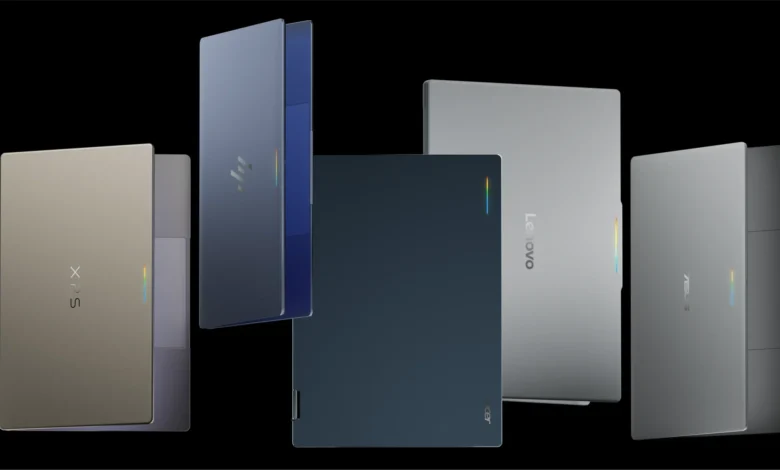
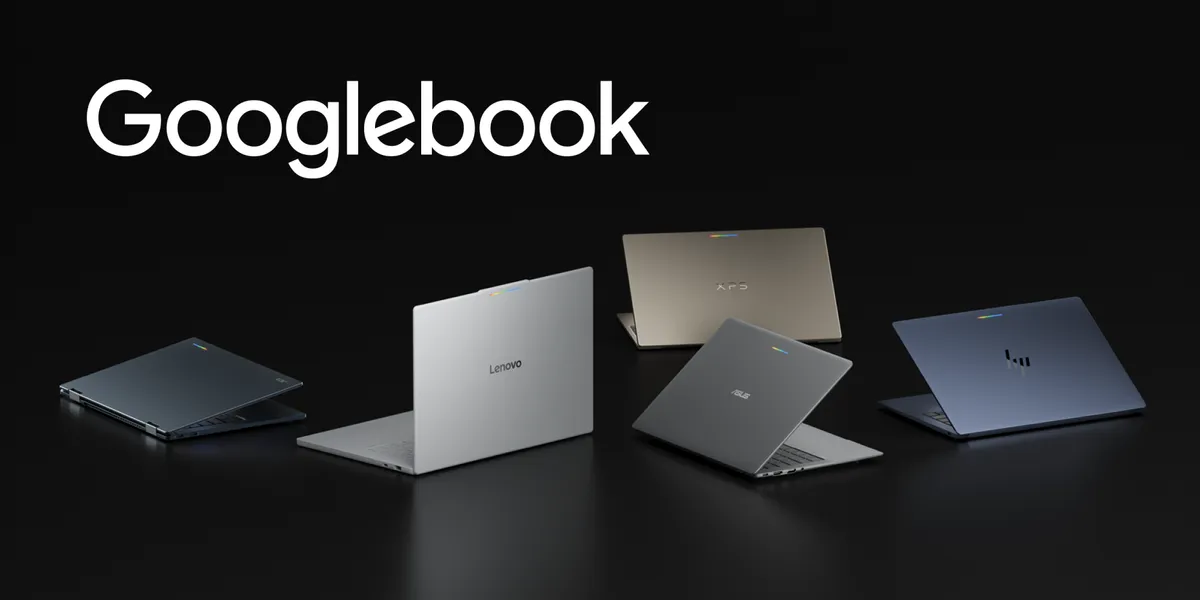
Google has officially introduced Googlebook, an entirely new category of laptops designed to bridge the gap between mobile convenience and desktop power by running on a shared, unified Android architecture. Manufactured in collaboration with major hardware industry leaders including HP, Dell, Lenovo, Acer, and Asus, these devices aim to redefine personal computing by integrating high-resolution OLED touchscreens, precision trackpads, and dedicated keyboards with the seamless connectivity of the mobile operating system. Supported by OS-level Gemini Intelligence and offering all-day battery life, Googlebook is positioned to change how users transition from quick interactions on their smartphones to immersive, multi-window productivity sessions on a laptop form factor.
The launch marks a significant strategic expansion for the Android platform, which has historically dominated mobile and tablet spaces but now seeks a permanent foothold in the traditional personal computer market. By leveraging the foundational strengths of Android, Google is offering hardware partners a streamlined path to delivering high-performance laptops that can natively run millions of existing applications without requiring developers to build entirely separate software binaries.
Strategic Implications for the Android Ecosystem and App Developers
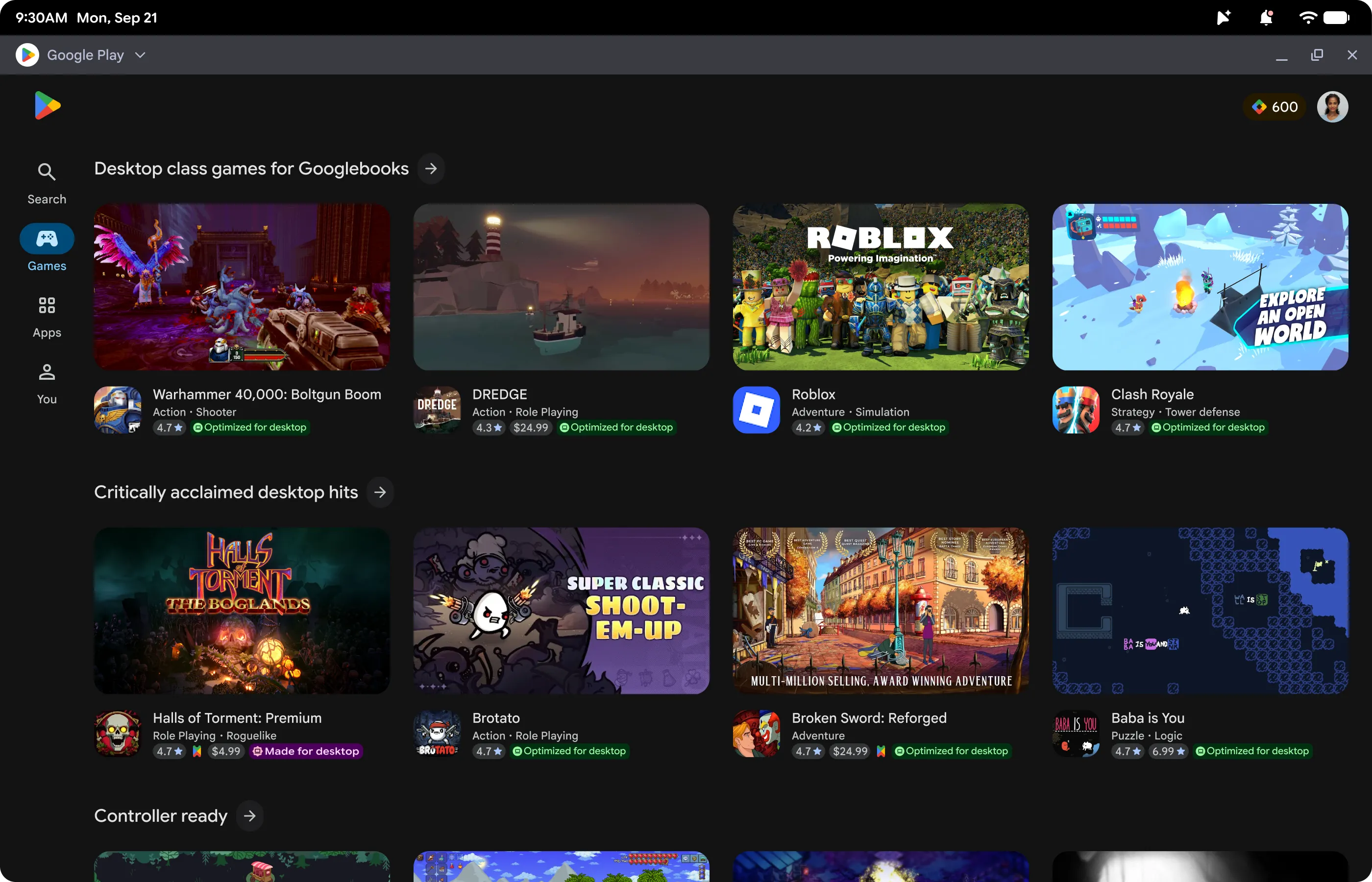
The introduction of Googlebook creates valuable new commercial and technical opportunities for software developers operating within the Android ecosystem. Google Play has announced specialized support features for the launch, including dedicated badging, enhanced search visibility, and premier featured spots across curated store homepages for optimized applications. Furthermore, applications meeting strict quality thresholds become immediately eligible for the Apps Experience Program, which unlocks a newly designed program rate card intended to accelerate business growth for participating developers.
User onboarding has also been streamlined. When individuals configure a new Googlebook device using their existing Android smartphone, optimized applications are prominently highlighted and seamlessly transferred, ensuring that apps achieve a robust day-one presence on the new hardware. Industry analysts note that this friction-free transition mechanism is critical for driving early user adoption and maintaining engagement across multiple device types.
Rather than demanding a complete rewrite of existing software, Google is championing adaptive development as the modern standard for scaling Android applications across large displays, novel device postures, and emerging form factors. Applications that already implement adaptive layouts, window size classes, and multi-input support are inherently prepared for Googlebook deployment.
Technical Foundations and Modern Desktop Architecture
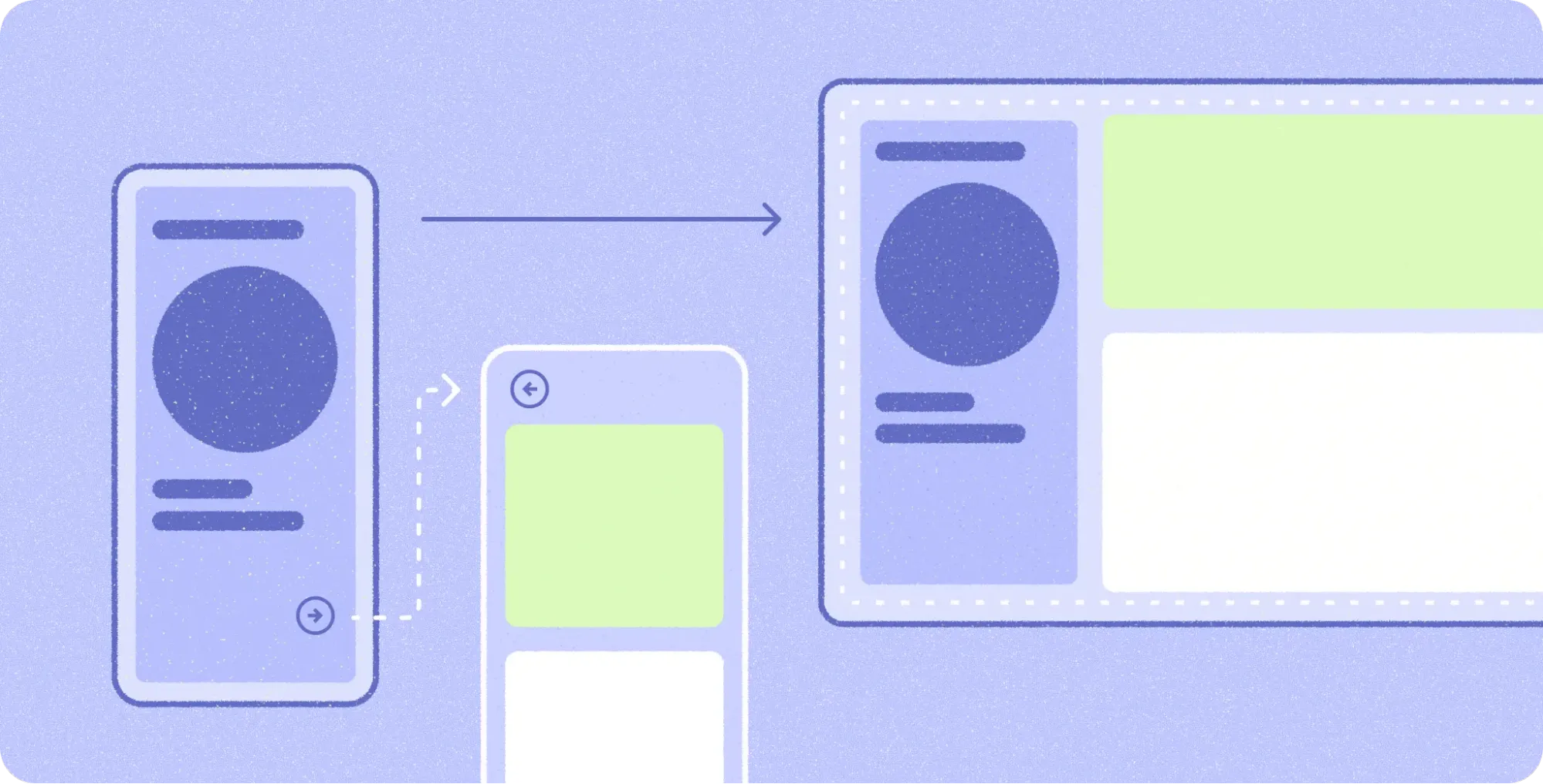
Operating within a desktop environment fundamentally shifts user expectations toward higher information density, precision input mechanisms, and active multitasking. Google’s developer guidelines stress that applications must avoid simply stretching mobile interfaces across a wide screen. Instead, developers are encouraged to reorganize content into functional groupings using multi-pane architectures.
Using tools such as Navigation 3, developers can implement adaptive scene strategies—including ListDetailSceneStrategy and SupportingPaneSceneStrategy—to coordinate side-by-side layouts when expanded window space becomes available. Scene decorators further allow applications to wrap screens with persistent desktop navigation rails. When paired with layout primitives like Grid and FlexBox, alongside experimental MediaQuery and Styles APIs, developers can dynamically organize complex content and adjust visual styles to match varied desktop displays.
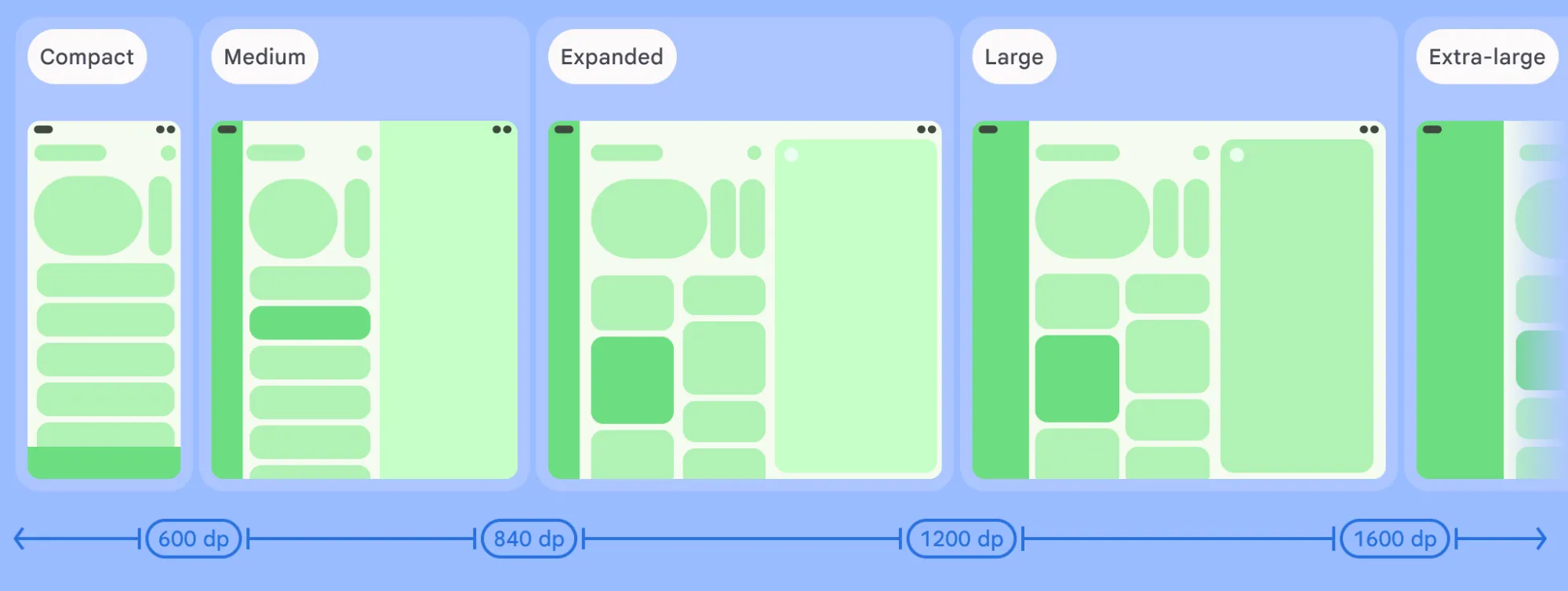
Free-form desktop windowing further requires applications to respond dynamically to resizable window spaces using window size classes rather than fixed physical display dimensions. Ergonomic viewing considerations, such as optimized type scales for extended viewing distances, controlled maximum line lengths for readability, and explicit click targets, form the core of the newly published desktop design principles guide.
Differentiated Features and Advanced Multi-App Workflows
Beyond foundational layout adaptation, Googlebook enables developers to incorporate specialized features that leverage the unique advantages of a laptop environment. Everyday productivity in these setups relies heavily on versatile input methods. Jetpack Compose provides native support for physical keyboard navigation and pointer selection. Developers can elevate usability by integrating contextual cursors that provide visual feedback for text entry, pane resizing, and tool selection, alongside right-click context menus, hover states, and shortcut discoverability via the Keyboard Shortcuts Helper.
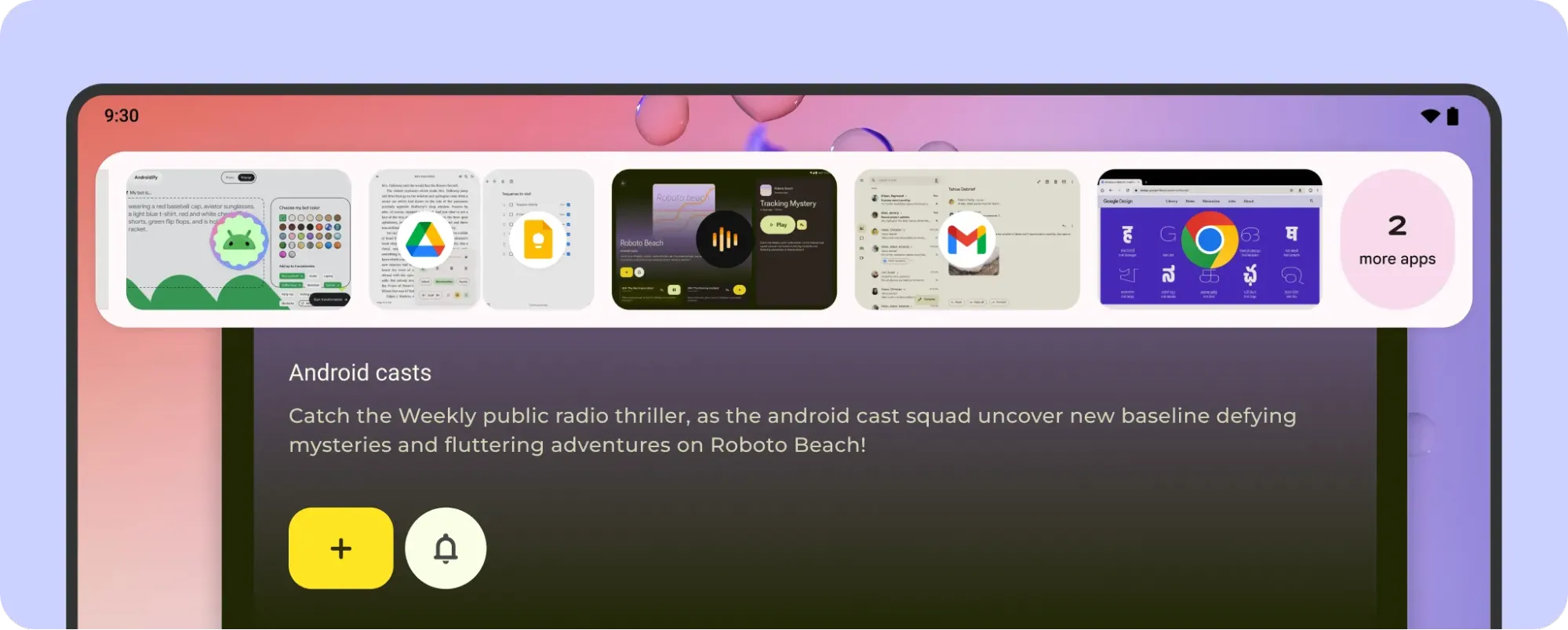
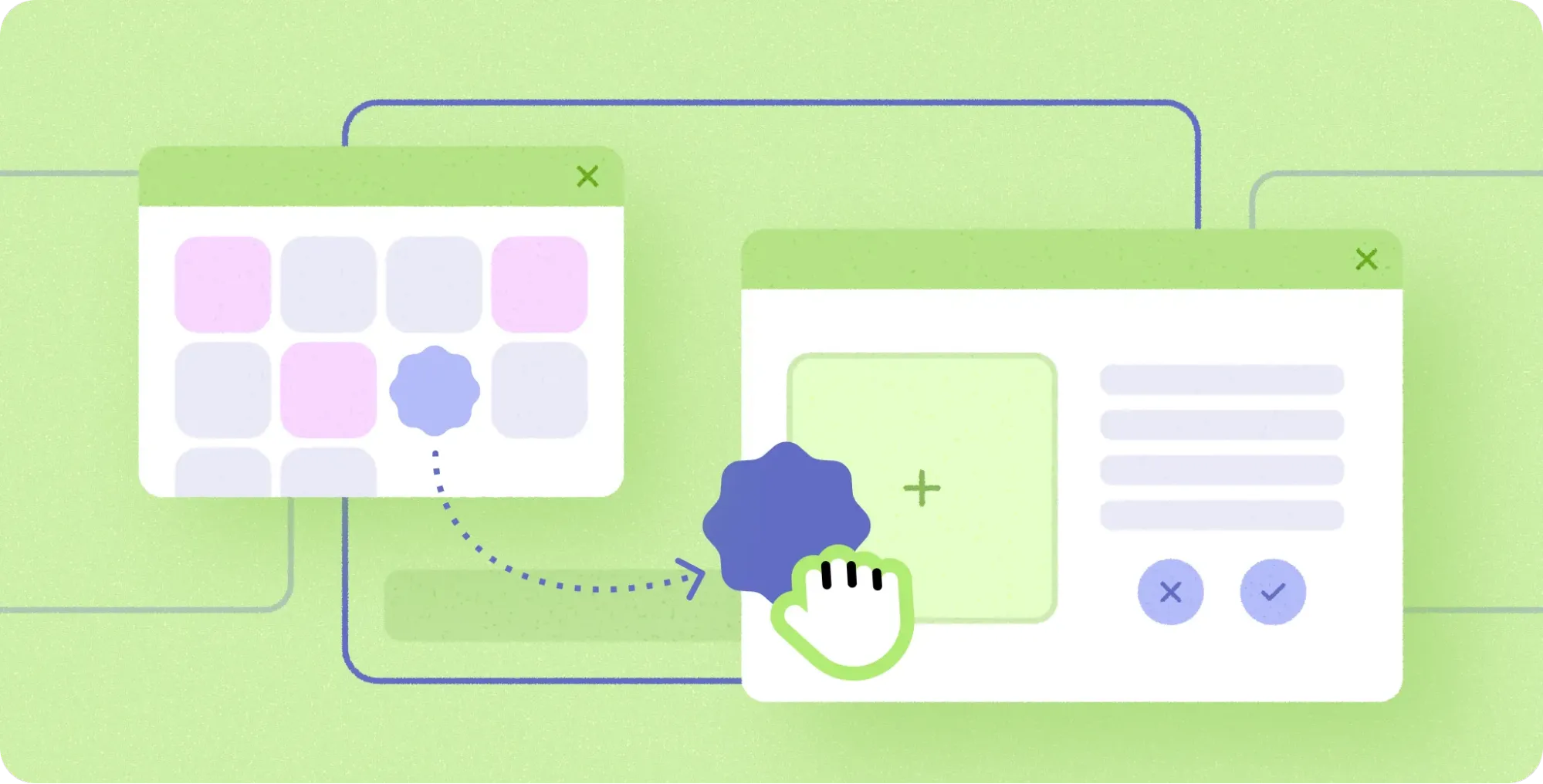
Because Googlebook runs applications in free-form windows, users can execute multiple tasks simultaneously. Developers can unlock these side-by-side workflows by enabling multi-instance support, allowing users to launch independent windows for comparing content or managing multiple documents concurrently. This capability pairs seamlessly with drag-and-drop functionality, permitting the fluid transfer of text, images, and files between windows or onto empty workspaces to initiate new tasks.
Window customization has also been expanded. In desktop windowing, applications incorporate a caption header bar that can be styled with custom backgrounds, search bars, or tabs while respecting system-level window controls.
Furthermore, the "Continue On" framework maintains connectivity across phones, tablets, and Googlebooks. Bidirectional handoff protocols allow users to initiate a task on one screen and resume it seamlessly on another. By passing state data through HandoffActivityData, applications preserve critical context such as document positioning and active browser tabs, backed by optional web fallbacks to guarantee uninterrupted transitions.
Industry Reception and Early Adoption Case Studies
Early industry response from enterprise and independent software vendors has been largely positive. Companies that previously invested in optimizing their applications for Android tablets and foldable devices report finding themselves uniquely positioned to capitalize on the Googlebook launch.
Ryan Shea, Android Engineering Manager at Notability, highlighted the efficiency of the transition process for their development team. "We had already been targeting first-class experiences for tablets and foldables," Shea explained. "So by the time Googlebook came along, scaling Notability up to a laptop-class experience was mostly turning a dial we had already built. That left us free to spend our time on the things that only make sense on a bigger screen or with the newer APIs, like Continue On, which hands a note off from your phone to the laptop, and optimizing the side-by-side app experience for studying."
This sentiment is echoed across the broader developer community, where teams are utilizing existing investments in Jetpack Compose to achieve rapid deployment on the new platform without expanding engineering headcounts or maintaining fragmented codebases.
Development Tooling, Emulation, and Testing Infrastructure
To support the transition, Google has integrated specialized testing and optimization tools into standard developer workflows. The desktop emulator available in Android Studio allows engineers to run a virtual desktop environment directly on their local workstations. This virtual setup facilitates testing for free-form window resizing, verification of multi-instance interactions, and debugging of mouse, trackpad, and keyboard inputs prior to physical hardware deployment.
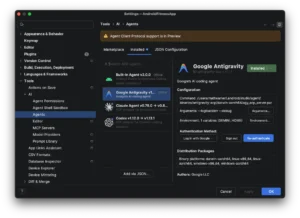
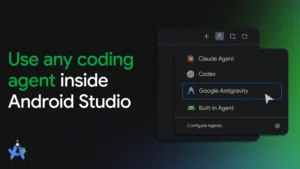
Additionally, Google is encouraging the adoption of AI-assisted development through specialized adaptive skills. By installing these skills via the Android CLI, developers can provide their AI agents with the necessary context to automatically refactor mobile layouts into responsive Compose containers, significantly reducing the time required to modernize legacy codebases.
Broader Market Implications and Future Outlook
The debut of the Googlebook lineup signifies a maturation of the Android ecosystem, transforming it from a predominantly mobile-centric platform into a ubiquitous computing operating system capable of scaling from wearables to full-featured laptops. For hardware manufacturers, the collaboration provides a viable, cohesive alternative in the laptop market, backed by a mature application catalog. For consumers, the integration promises a more cohesive digital life where boundaries between handheld and desktop devices dissolve.
As ecosystem partners begin rolling out their initial hardware configurations, Google’s comprehensive documentation, design guides, and quality benchmarks will serve as the definitive standard for desktop-class Android development. Industry observers anticipate that the success of Googlebook will encourage broader hardware experimentation and accelerate the adoption of adaptive UI design principles across the entire software development industry.